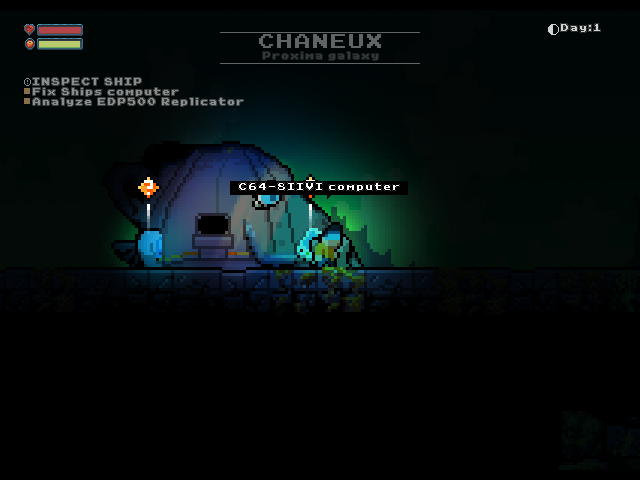
Bring your game
1. Open Residual on GOG in your owned games library and download the Windows offline backup installer for version 1.4.1. Download its accompanying .bin parts too, if listed, and keep them beside the installer .exe. Use the full game installer, not a patch or GOG Galaxy installer. 2. On Windows, run that offline installer and choose an installation folder, for example C:\GOG Games\Residual. Galaxy is not required. 3. Open the installation folder and copy the residual.jar beside residual.exe. Keep the JAR intact; do not unpack it or rename an EXE to JAR. The Windows runtime and other installed files are not needed on the handheld. 4. Verify the file before copying it to the handheld. The supported JAR is 83,168,018 bytes, with SHA-256:
8f8caa7dc36f5ab9c7119046ccce87e3f7a2d61680dc60970fa3d2b2d619ee01Windows PowerShell:
Get-FileHash -Algorithm SHA256 -LiteralPath 'C:\GOG Games\Residual\residual.jar'The inspected installation has GOG game ID 1688702977 and build ID 59032447871207888. GOG may change download filenames or available versions; the JAR checksum, rather than a guessed installer filename, identifies this supported build. A different checksum requires compatibility verification.
On Linux, innoextract can unpack supported GOG offline installers without running Windows. Install it through your distribution, then use the actual downloaded installer filename:
innoextract --extract --output-dir residual-extracted "setup_residual_YOUR_VERSION.exe"
find residual-extracted -type f -iname residual.jar
sha256sum "residual-extracted/app/residual.jar"
Use the path reported by find if it differs from the example. Keep any installer .bin parts together. If innoextract does not support the installer, use the Windows installation method. The inspected input was an installed game directory; extraction from an offline installer has not been tested for this port.
Install the port
- Update PortMaster. Copy Residual.zip into its
autoinstall/folder and open PortMaster. - Allow PortMaster to download Westonpack and Java 17. An internet connection is needed if these runtimes are not installed.
- Copy the owned game files into
residual/as described above. Launch Residual from your ports menu.
Manual installation paths
Handheld controls
| Control | Action |
|---|---|
| D-pad / left stick | Move and navigate |
| A | Action / confirm |
| B | Jump / up |
| X | Inventory |
| Y | Visor |
| L1 | Inventory |
| R1 | Action / confirm |
| L2 | Visor |
| R2 | Down / descend |
| Start | O / options |
| Select | Pause / back |
| Start + Select | PortMaster exit shortcut |
Keep the game's default keyboard bindings. Use the game's save/quit option before exiting to retain planet progress.