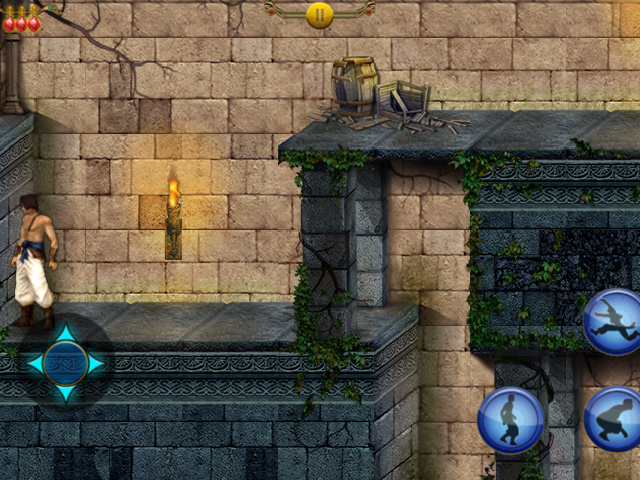
- Graphics Initialization
- Sound working
- On screen touch overlay toggle added L1+R1 or L2+R2 to do it its hidden by default.
- Force controller mode on game.
- Fix 30 fps hard codded cap. now game run on 60 fps feel smooth.
- Add code to launcher to turn on and off debug logging.
Game files
Use your own matching Android POP Classic 1.0 files:
APK under any .apk filename, SHA-256 8691634981b8b79266e73af13c35fc47ab0584fb620b5c5d5f745cb4e6d2372e main.1.org.ubisoft.premium.POPClassic.obb, SHA-256 80cd03b025806e49c98503628c976812faee4a89d7bd75761f0f8b604226817e
Install and test
Install dist/popclassic.zip through PortMaster. Copy the matching APK and OBB into ports/popclassic/gamedata/ on the SD card. The APK can keep its original filename; the OBB needs the exact filename above. Launch the port from Ports. The first launch verifies and extracts the files on the handheld and reports progress through PortMaster, with a console display as a fallback. Keep the port running and allow time and free space for setup. Saves are kept in ports/popclassic/saves/, and the log is ports/popclassic/log.txt.
Detailed debug logging is on by default for now. To disable it, edit Prince of Persia Classic.sh and change DEBUG_LOGGING=1 to DEBUG_LOGGING=0; change it back to 1 to re-enable it. The setting applies on the next launch. Debug mode adds loader and controller-input traces to ports/popclassic/log.txt; normal warnings and errors are still recorded when debug mode is off.
View release on GitHub ↗ · Download this build ↗