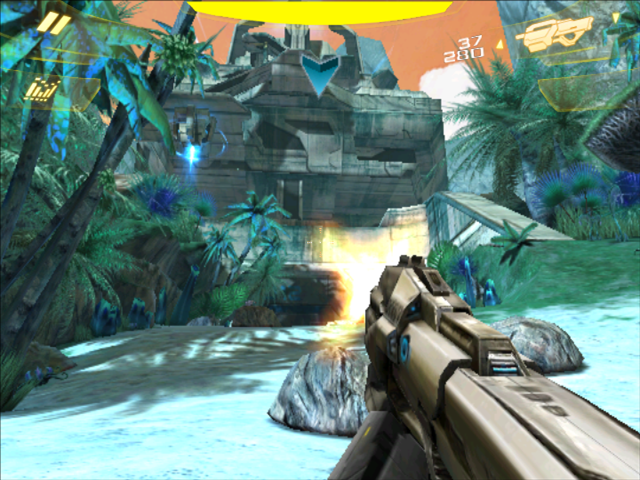
Bring your game
This port requires N.O.V.A. 2 1.0.3 for Android, including its APK and the complete gameloft/games/GloftN2HP data folder. Use files from your own Android installation. The APK must contain lib/armeabi/libnova2.so with SHA-256 476c275bcd942807d8c49068b4dc6c6e666b60190845716d71b1069d80d3caaa; the version label alone does not guarantee a compatible build. The ZIP does not contain the game or its data.
Install the port
- Update PortMaster. Copy nova2.zip into its
autoinstall/folder and open PortMaster. - Copy the owned game files into
nova2/as described above. Launch N.O.V.A. 2: Near Orbit Vanguard Alliance from your ports menu.
Manual installation paths
Handheld controls
| Control | Action |
|---|---|
| Left stick | Up = forward, Down = back, Left = left, Right = right |
| D-pad (gameplay) | Up = forward, Down = back, Left = left, Right = right |
| Right stick | Continuous camera / aim |
| R1 or R2 | Fire |
| Hold L1 or L2 | Activate the selected special power (when available) |
| A | Change weapon |
| B | Jump / interact (context dependent) |
| X | Reload weapon |
| Y | Throw grenade / selected item |
The game starts in normal controller mode. Press Select to toggle mouse mode for menus; use the D-pad or right stick to move the cursor, A to click, and B to go back. Start opens or closes the pause menu without changing input mode.
Face labels default to Nintendo layout; set NOVA2_FACE_LAYOUT=xbox to swap A/B and X/Y. Flight and other context actions depend on the original game.