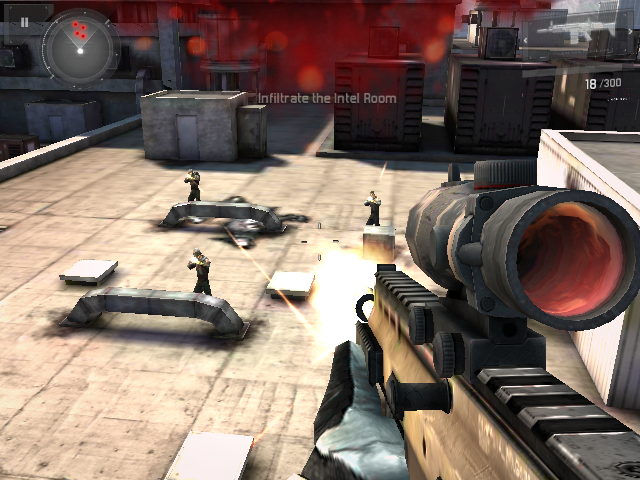
Bring your game
Supply your own Modern Combat 3 v1.1.7g APK plus its two OBB expansion files (main.1120 and patch.11428). Put them in ports/mc3/; the donor filenames do not matter and the first launch extracts and validates them automatically. Keep the port release named mc3-native-arm.zip. Wait for PortMaster's Finished running autoinstall dialog, then reboot normally before looking for the game in Ports. The supported native-library SHA1 is be0d5e8779899e081a538b3930ec711d2df8aeb4. No game data is included. Display resolution is detected automatically; put WIDTHxHEIGHT in resolution.txt to override it.
Install the port
- Update PortMaster. Copy mc3-native-arm.zip into its
autoinstall/folder and open PortMaster. - Copy the owned game files into
mc3-native-arm/as described above. Launch Modern Combat 3: Fallen Nation from your ports menu.
Manual installation paths
Handheld controls
| Control | Action | |
|---|---|---|
| Left stick | Move | |
| Right stick | Camera / aim | |
| R1 | Fire | |
| L1 | Iron sights (aim) | |
| R2 (or X) | Reload | |
| L2 (or B) | Grenade | |
| D-pad Up | Sprint | |
| D-pad Down | Crouch / take cover | |
| D-pad Left/Right | Change weapon | |
| Start | Pause menu | |
| A | Confirm (menus) | |
| Control (SELECT held) | Action | |
| --- | --- | |
| Right stick | Move the pointer | |
| A or R1 | Tap / press at the pointer | |
| One d-pad arrow | Swipe gesture in that direction | |
| Two d-pad arrows together | Diagonal swipe (e.g. Up+Right) | |
| Variable | Default | Effect |
| --- | --- | --- |
MC3_RPAD_SCALE | 100 | Camera speed, percent |
MC3_RPAD_INVERT_Y | 0 | 1 = invert vertical aim |
MC3_NO_AUDIO | 0 | 1 = disable audio |
### Combat
Reload and grenade are contextual: the engine ignores them when the magazine is full or no grenades are carried — that is the game, not a missing button.
### Pointer mode (hold SELECT)
Some prompts only answer to a touch — the melee/knife icon, the pause menu buttons, occasional HUD elements. Hold SELECT to raise a pointer:
The campaign's tutorial gestures ("slide down", vaults, diagonal strokes) are these SELECT+arrow swipes. Press the two arrows of a diagonal within a heartbeat of each other — a short chord window turns them into one diagonal stroke.
### Tuning (launcher environment variables)