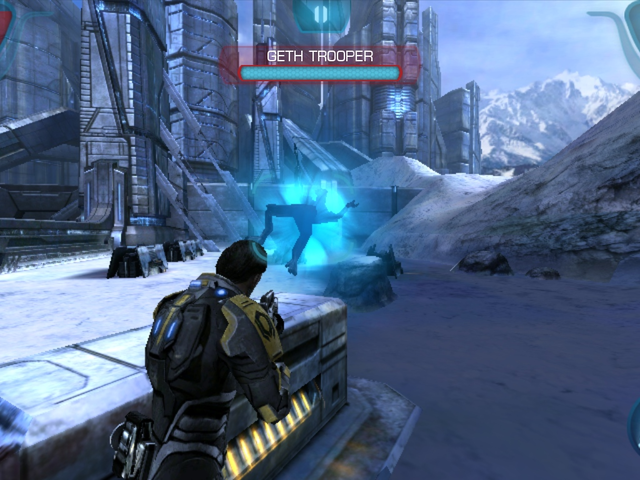
Bring your game
Supply your own Mass Effect Infiltrator v1.0.58 gamepad-build APK, ZIP, or extracted folder. Put it in ports/masseffect/; the donor filename does not matter and the first launch extracts and validates it automatically. Keep the port release named masseffect-native-arm.zip. Wait for PortMaster's Finished running autoinstall dialog, then reboot normally before looking for the game in Ports. The supported native-library SHA1 is ea58b733d3d267ab639431b50539542faa43f0d0. No game data is included. Display resolution is detected automatically; put WIDTHxHEIGHT in resolution.txt to override it.
Install the port
- Update PortMaster. Copy masseffect-portmaster.zip into its
autoinstall/folder and open PortMaster. - Copy the owned game files into
masseffect-portmaster/as described above. Launch Mass Effect Infiltrator from your ports menu.
Manual installation paths
Handheld controls
| Control | Action |
|---|---|
| Left stick | Move |
| Right stick | Aim / camera (continuous) |
| R1 / R2 | Fire |
| L1 / L2 | Cover |
| X | Cloak |
| Y | Biotic power |
| B | Melee / interact |
| A | Action / confirm |
| D-pad | Menu navigation |
| Start | Pause |