← Back to the port library
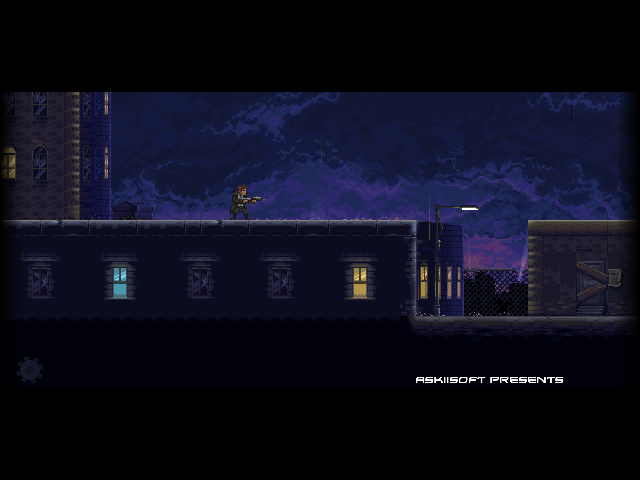
Katana ZERO gameplay
ACTION / PLATFORMER

Katana ZERO

A neon-lit action platformer where a samurai assassin dodges bullets, deflects gunfire and slows time through lethal missions.

ARM LINUXGAME FILES REQUIRED
↓ Download from GitHub 6.4 MB

Release 1.1.0

Source & updates on GitHub ↗

Port files only. Purchase the original game separately.

Get the game on Steam (desktop version) ↗

Build release notes

Notes are shown for each published release, alongside the build tag they describe.

Release 1.1.0 · 2026-10-08

Katana ZERO — First Public Release

The first public Katana ZERO port by PixelForge Ports / Ronax is available for ARM64 Linux handhelds using PortMaster.

Powered by gmloader-next using the original Android ARM64 runner, libyoyo.so.

Included
  • Automatic APK preparation through the PortMaster patch screen.
  • Native controller support and persistent saves.

Gameplay, menus, sound, controller input and saving have been confirmed on RG34XX SP running muOS. Other devices and firmware, including R36S, ArkOS and ROCKNIX, still need testing.

Installation
  1. Install katanazero.zip through PortMaster Auto Install.
  2. Rename your supported Katana ZERO Android v1.1.10 APK to katanazero.apk and copy it into katanazero/assets/.
  3. Launch Katana ZERO and press A when prompted to prepare the game and continue.

Requires ARM64 firmware, glibc 2.30 or newer, current PortMaster and Python 3. Required runtimes: gmtoolkit.squashfs and dotnet-8.0.12.squashfs.

This is a BYO data release. No APK, prepared game data or personal saves are included.

Thanks to Askiisoft for Katana ZERO and the gmloader-next contributors for making this port possible.

Bring your game

Supply the supported Katana ZERO Android v1.1.10 APK. Rename it to katanazero.apk and copy it to <ports directory>/katanazero/assets/. Launch Katana ZERO to prepare game.port and play. Requires ARM64 firmware, glibc 2.30 or newer, current PortMaster and Python 3. Desktop game files are unsupported. See README.md for instructions and the reference APK hash.

Install the port

  1. Update PortMaster. Copy katanazero.zip into its autoinstall/ folder and open PortMaster.
  2. Allow PortMaster to download gmtoolkit and dotnet-8.0.12. An internet connection is needed if these runtimes are not installed.
  3. Copy the owned game files into katanazero/ as described above. Launch Katana ZERO from your ports menu.
Manual installation paths

Handheld controls

ControlAction
D-pad / left stickMove / navigate
DownCrouch
Bottom face button (Xbox A)Jump / confirm / advance dialogue / pause replay
Left face button (Xbox X)Sword attack
Right face button (Xbox B)Use item / back
Top face button (Xbox Y)Interact / walk / leave replay
L2 / LTSlow time / rewind replay
R2 / RTDodge roll / advance replay
StartPause
Select + StartFirmware exit shortcut on most devices; save through the game first

The port uses the game's native controller bindings. The table describes default button positions and Xbox labels; the printed face-button letters on your handheld can differ. Follow the in-game prompts if you change the bindings.

Use the game's controller settings to remap actions. PortMaster supplies the firmware's exit shortcut.

Saves & troubleshooting

KEEP THE FORGE GLOWING

Connect & Support